The Hidden Cost of Embedding Pipelines
Every knowledge agent starts the same way: pick a vector DB, build a chunking pipeline, choose an embedding model, and tune retrieval parameters. Weeks later, your agent confidently returns the wrong chunk and you have no idea why. The failure mode is silent.
We observed this pattern repeatedly, both internally and with teams building agents on Vercel. The embedding stack works for semantic similarity, but falls short when you need a specific value from structured data. You end up debugging a pipeline, not a question.
That's why we took a different approach: replace the vector pipeline with a filesystem and give the agent bash. Our sales call summarization agent went from ~$1.00 to ~$0.25 per call, and output quality improved. The agent was doing what it already knew: read files, run grep, and navigate directories.
We open-sourced the result as the Knowledge Agent Template, a production-ready architecture built on Vercel Sandbox, AI SDK, and Chat SDK.

How Filesystem Search Works
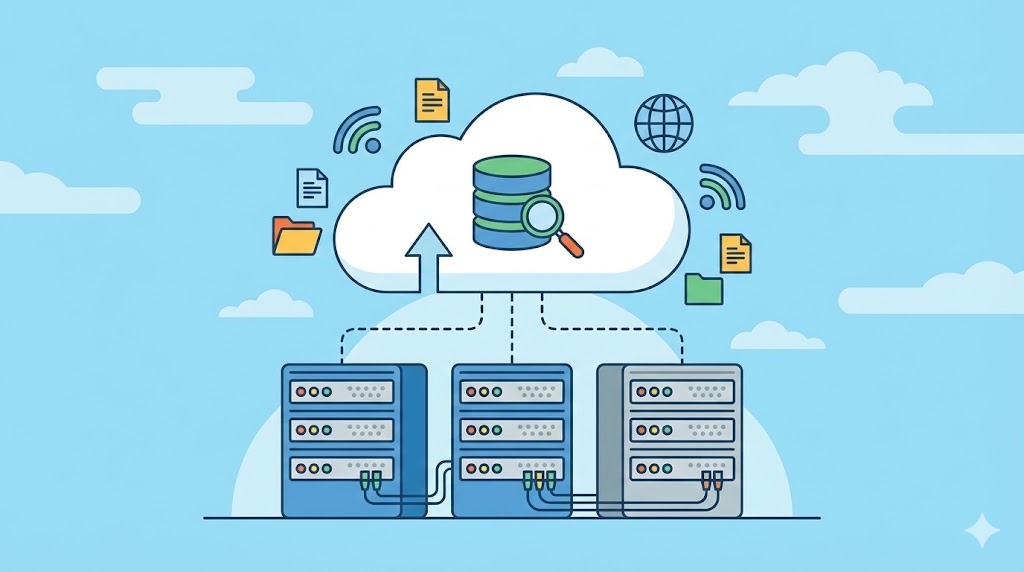
No vector database. No chunking pipeline. No embedding model. Your agent uses grep, find, and cat inside isolated Vercel Sandboxes.
The Flow
- You add sources through the admin interface, stored in Postgres.
- Content syncs to a snapshot repository via Vercel Workflow.
- When the agent needs to search, a Vercel Sandbox loads the snapshot.
- The agent's
bashandbash_batchtools execute filesystem commands. - The agent returns an answer with optional references.
Results are deterministic, explainable, and fast. When the agent gives a wrong answer, you open the trace and see: it ran grep -r "pricing" docs/, read docs/plans/enterprise.md, and pulled the wrong section. You fix the file or adjust the strategy. The whole debugging loop takes minutes.
Compare that to vectors: if the agent returns a bad chunk, you have to determine which chunk it retrieved, then figure out why it scored 0.82 and the correct one scored 0.79. The problem could be chunking boundaries, the embedding model, or similarity thresholds. With filesystem search, there is no guessing.
LLMs already understand filesystems. They've been trained on massive amounts of code: navigating directories, grepping through files, managing state across complex codebases. If agents excel at filesystem operations for code, they excel at them for anything.
Example: Using the SDK
// Import tools and connect to your knowledge base
import { generateText } from 'ai';
import { createSavoir } from '@savoir/sdk';

const savoir = createSavoir({
  apiUrl: process.env.SAVOIR_API_URL!,
  apiKey: process.env.SAVOIR_API_KEY,
});

const { text } = await generateText({
  model: yourModel, // any AI SDK compatible model
  tools: savoir.tools, // bash and bash_batch tools
  maxSteps: 10,
  prompt: 'How do I configure authentication?',
});

console.log(text);
Multi-Platform Deployment with Chat SDK
Your agent has one knowledge base, one codebase, and one source of truth. Yet your engineers are scattered across Slack, your community across Discord, your bug reports buried in GitHub. Chat SDK connects your agent to every platform.
Single Agent, Everywhere
import { Chat } from "chat";
import { createSlackAdapter } from "@chat-adapter/slack";
import { createDiscordAdapter } from "@chat-adapter/discord";
import { createRedisState } from "@chat-adapter/state-redis";

const bot = new Chat({
  userName: "knowledge-agent",
  adapters: {
    slack: createSlackAdapter(),
    discord: createDiscordAdapter(),
  },
  state: createRedisState(),
});

bot.onNewMention(async (thread, message) => {
  await thread.subscribe();
  const result = await agent.stream({ prompt: message.text });
  await thread.post(result);
});
Each adapter handles platform-specific concerns (authentication, event formats, messaging) while the agent itself stays unchanged. onNewMention fires whenever the bot is mentioned, regardless of platform.
Built-in Admin Tools
The template includes a full admin interface: usage stats, error logs, user management, source configuration, and content sync controls. There's also an AI-powered admin agent you can ask questions like "what errors occurred in the last 24 hours" or "what are the common questions users ask". It uses internal tools (query_stats, query_errors, run_sql, chart) to provide answers directly. You debug your agent with an agent.
Limitations and Caveats
- Not ideal for unstructured semantic search: If your use case requires finding content by meaning rather than exact keywords (e.g., "find documents similar to this one"), a vector approach may still be necessary.
- Snapshot size matters: Very large codebases or document repositories may require careful snapshot management to keep sandbox performance optimal.
- Bash dependency: The approach assumes the agent can safely execute bash commands. While Vercel Sandboxes provide strong isolation, you should still audit the commands your agent uses.
Next Steps
- Deploy the Knowledge Agent Template to your Vercel team in one click.
- Explore the Complete Guide to Chat SDK for deeper integration patterns.
- For a broader perspective on data generalist strategies, check out "Range Over Depth Revisited" and "The AI Evolution of Graph Search".
Bottom line: You don't need a vector database to build a working knowledge agent. You need a filesystem, bash, and a way to put your agent where your users already are. Those are the primitives.

Conclusion
The filesystem-and-bash approach to knowledge agents is a paradigm shift. It's simpler, cheaper, and more debuggable than the traditional embedding pipeline. By leaning into what LLMs already do well—navigating directories and processing text—you can build agents that are both more reliable and more maintainable.
Key takeaways:
- Deterministic search eliminates the "black box" problem of vector similarity.
- Cost reduction of up to 75% per query (from $1.00 to $0.25 in our case).
- Single knowledge base deployed across Slack, Discord, GitHub, and more.
- Built-in admin tools and AI-powered debugging agent.
Further reading: For more on how AI is evolving search paradigms, see our related article on Netflix's natural language graph search.